
Blog
Mesh Nest blog
News, notes, and updates from the studio.
Latest posts
Browse articles and announcements.

DIY Zigbee2MQTT USB Coordinator Setup for Home Assistant
Set up a USB Zigbee coordinator with Zigbee2MQTT and Mosquitto so your sensors and switches stay local—useful when Wi‑Fi and cloud apps wobble during load shedding.

DIY UPS Monitoring with NUT and Home Assistant for Load Shedding
Wire a USB UPS into Home Assistant with Network UPS Tools (NUT) so you get real on-battery alerts, battery-charge automations, and graceful load shedding—not just a schedule guess.

DIY Load-Shedding Ready Smart Plugs with Home Assistant
Build a practical, local-first smart-plug setup that sheds non-essentials before and during outages—using Home Assistant, schedule sensors, and optional UPS monitoring.

DIY Home Automation: How to Build a Smarter Home Without Breaking the Bank
Want a smarter home without expensive proprietary systems? This practical guide walks you through starting a DIY home automation setup using open-source tools, affordable hardware, and a clear step-by-step approach.
DIY Home Automation: How to Build a Smarter Home Without Breaking the Bank
DIY Home Automation: How to Build a Smarter Home Without Breaking the Bank
Want a smarter home without expensive proprietary systems? This practical guide walks you through starting a DIY home automation setup using open-source tools, affordable hardware, and a clear step-by-step approach.
Home automation no longer requires expensive closed ecosystems or complicated installations. With the right approach, you can build a flexible, private, and expandable smart home using open-source software and affordable hardware.
Why Go DIY?
Commercial smart home systems are convenient but often lock you into their ecosystem, collect data, and become expensive over time. A DIY setup gives you:
- Full control over your data
- Freedom to mix brands and protocols
- Lower long-term costs
- The ability to expand exactly how you want
Core Building Blocks
A solid DIY system usually consists of three main layers:
- Controller / Hub The brain of your system. Popular options include:
- Home Assistant (most flexible and widely used)
- openHAB
- Node-RED (great for automation logic)
- Communication Protocols Choose based on your needs:
- Zigbee – Low power, reliable, excellent device support (recommended for most beginners)
- Z-Wave – Strong range and solid security
- Wi-Fi – Easy but can congest your network
- ESPHome / Tasmota – Perfect for custom ESP32/ESP8266 devices
- Hardware Start simple:
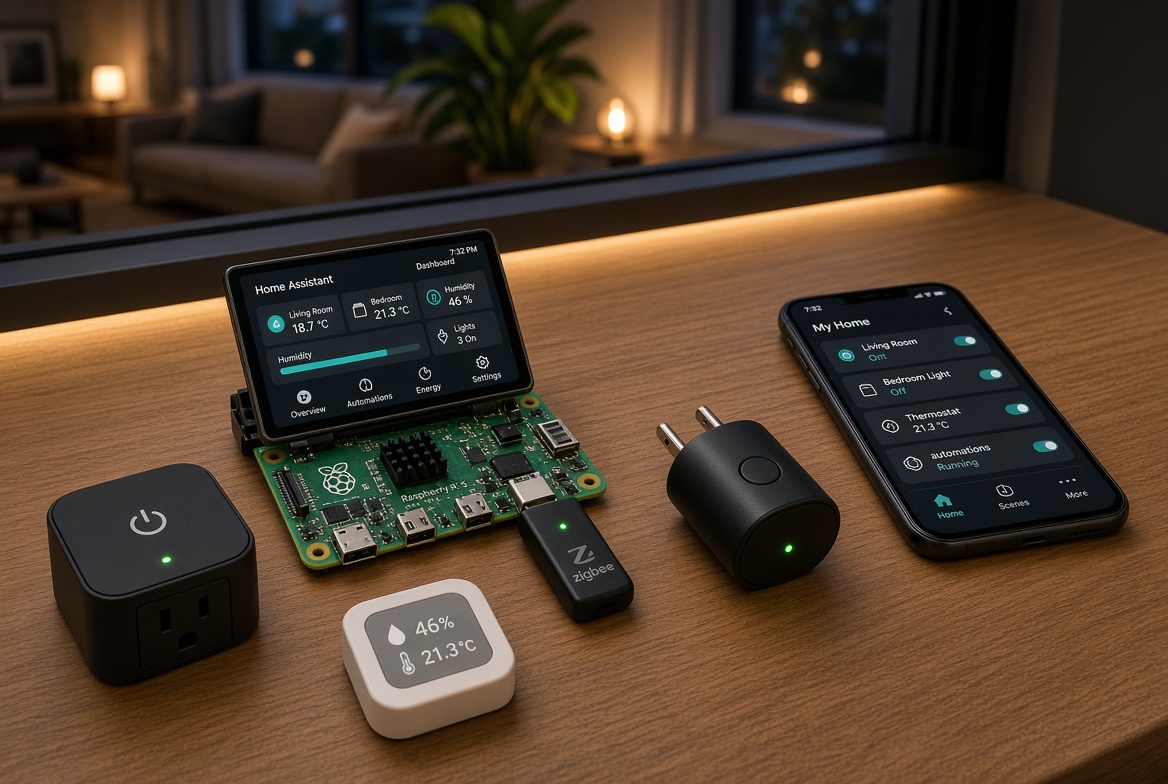
- A Raspberry Pi 4 or 5 running Home Assistant
- A Zigbee USB stick (e.g. Sonoff Dongle or ConBee)
- A few smart plugs, contact sensors, and temperature sensors
Recommended Starter Path
- Install Home Assistant on a Raspberry Pi or a small mini PC.
- Add a Zigbee coordinator.
- Pair a few essential devices (smart plugs, door sensors, motion sensors).
- Create your first automations:
- Turn lights on when motion is detected after sunset
- Send a notification when a door is left open
- Automatically turn off devices when you leave home
- Expand gradually with more sensors, switches, and integrations.
Tips for a Reliable Setup
- Prefer local control over cloud-dependent devices whenever possible.
- Use a dedicated Zigbee or Z-Wave network instead of relying only on Wi-Fi.
- Keep good documentation of your devices and automations.
- Start small. A working system with five solid automations is better than twenty half-finished ones.
- Back up your configuration regularly.
What’s Next?
Once the basics are working, you can explore:
- Voice control (local options exist)
- Energy monitoring
- Presence detection
- Custom dashboards
- Integrating cameras and security features
DIY home automation is a continuous project. The goal isn’t perfection on day one — it’s building something that actually makes daily life easier, step by step.